Connect Telegram
Link your Telegram account to SpinSaga for a one-time reward. It takes one tap and you never type a username.
Go to promotionsYou need to be signed in, with Telegram installed on the same device.
A one-time bonus
Connecting credits the reward shown on the Connect Telegram promotion, in your account currency, the moment your account is verified. It is paid once per account.
Credited instantly
The reward lands on your balance as part of the verification. There is no code to redeem and nothing to claim later.
No typing, no password
You never type your Telegram username anywhere. The link is confirmed by Telegram itself, so there is nothing to mistype and nothing to share.
How to connect
Six quick steps, and only one of them happens inside Telegram.
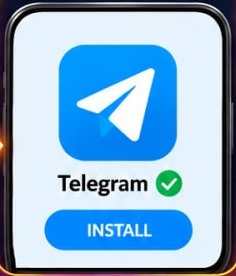
Install Telegram
Make sure the Telegram app is installed on this device.
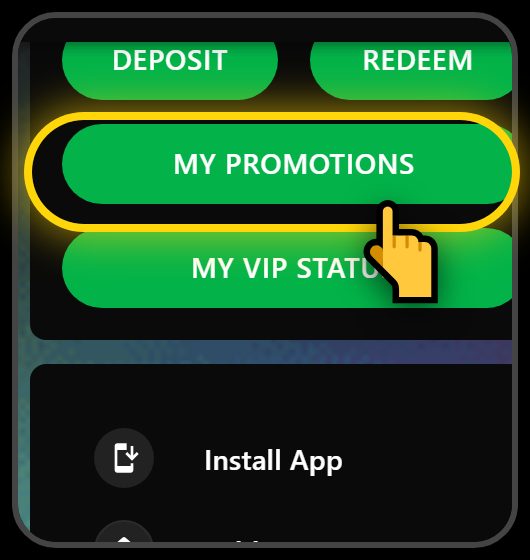
Open My Promotions
Open the menu and tap My Promotions.
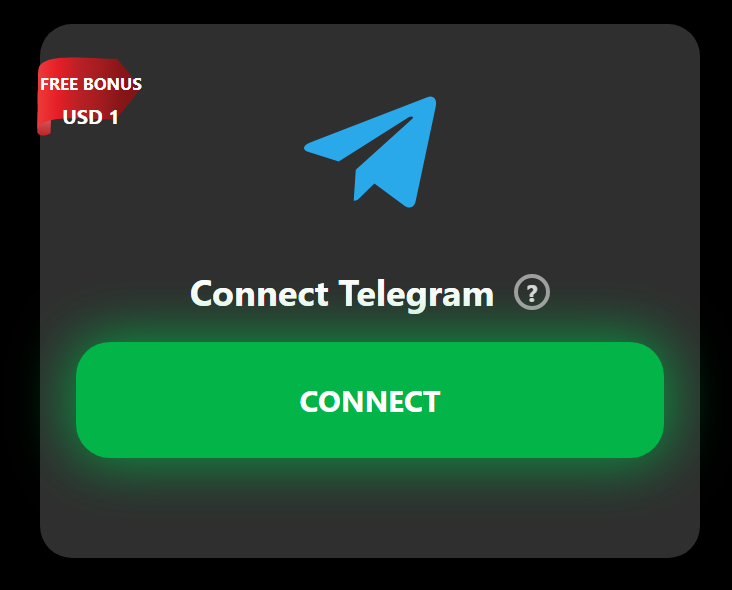
Tap Connect
Find the Connect Telegram card and tap Connect.
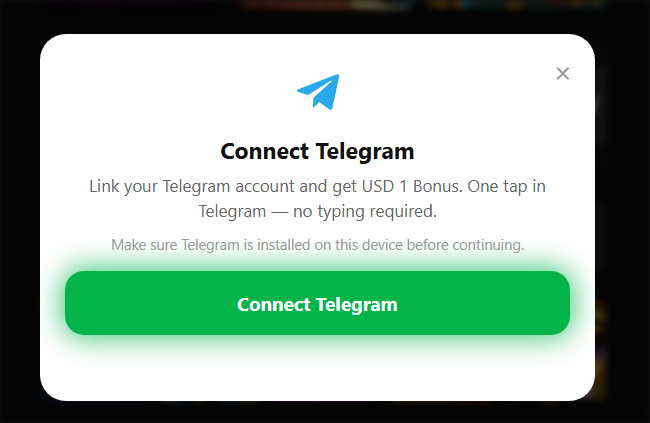
Connect Telegram
Tap Connect Telegram — Telegram opens on your device.
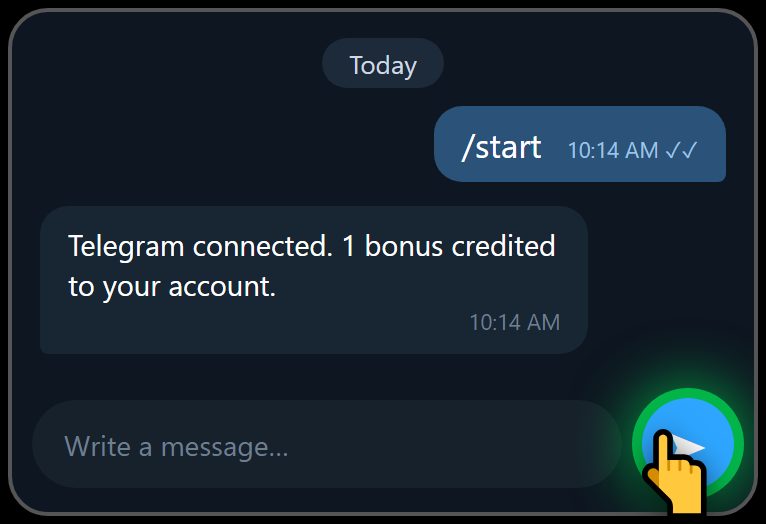
Tap Send
Telegram opens with /start already typed — just tap Send. Once connected, return to the website.
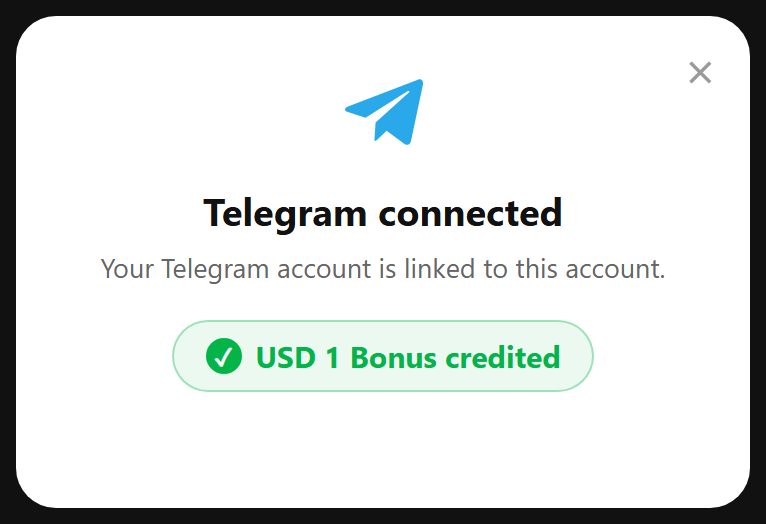
Reward credited
You're connected and the reward is added to your account.
FAQs
The questions players ask most about connecting Telegram.
Do I need Telegram installed?
Yes. The connect link opens the Telegram app directly, so install it on the device you are using before you start. If Telegram is not installed the link will not be able to confirm anything.
Can I connect the same Telegram account to more than one SpinSaga account?
No. Each Telegram account can be linked to a single SpinSaga account. If you see a message saying your Telegram account is already connected to a different SpinSaga account, either use a different Telegram account or contact support if that does not sound right to you.
My link expired. What do I do?
The one-time link is short-lived on purpose, so nobody else can reuse it. Just open the Connect Telegram card again and tap Connect for a fresh one.
I tapped Start but nothing happened on the site.
Leave the connect window open for a few seconds — the page checks for confirmation on its own and updates as soon as Telegram reports back. If it is still waiting, use Open Telegram again from that window, or start over with a new link. If none of that works, get in touch with our support team and we will sort it out for you.
When does the reward arrive?
Straight away. The reward is credited as part of the verification, so it is on your balance by the time the card reads Connected.